Find anything you copied
Search your history, preview the result, and copy it again without leaving what you are doing.
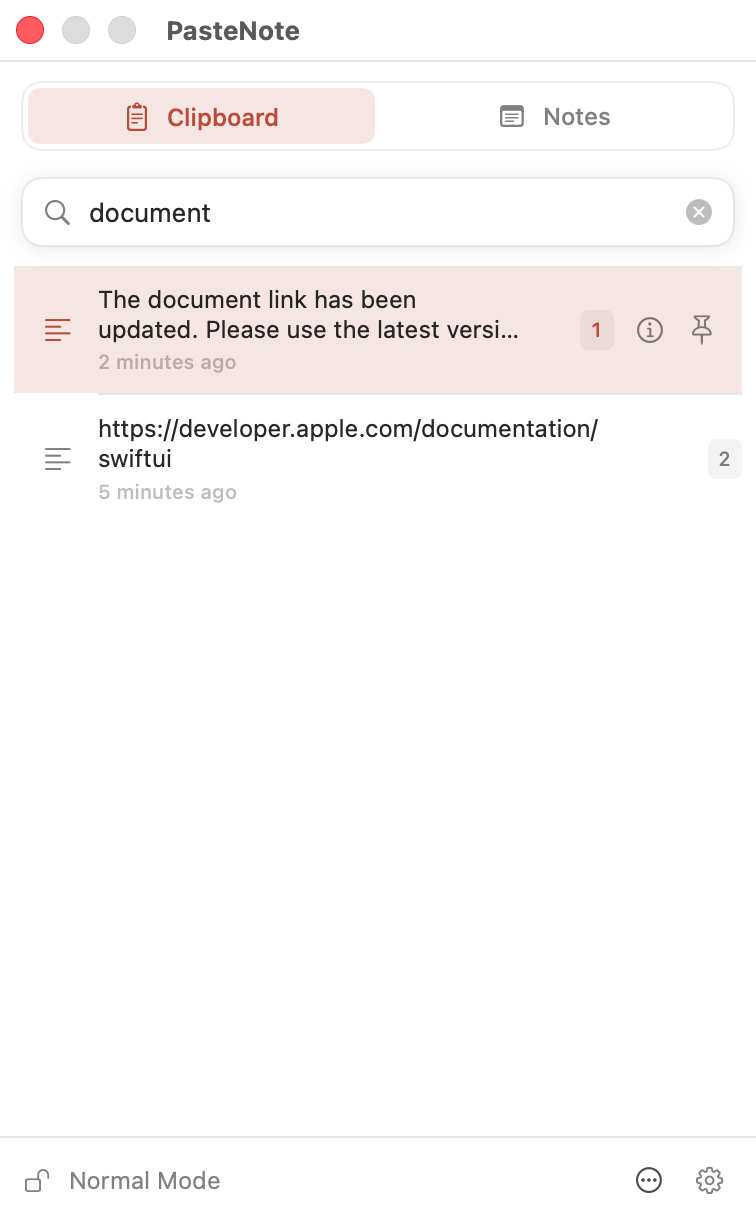
Search clipboard history, pin what you need above your work, and keep temporary text at Hand until you are done with it.
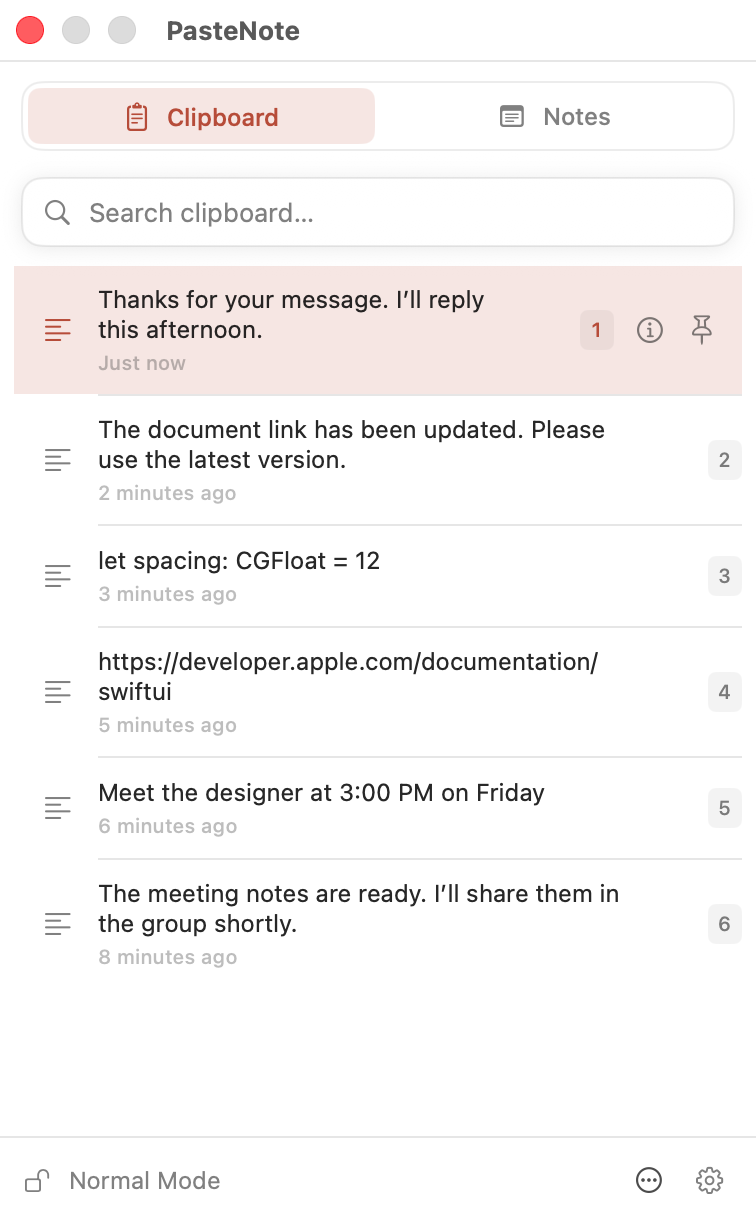
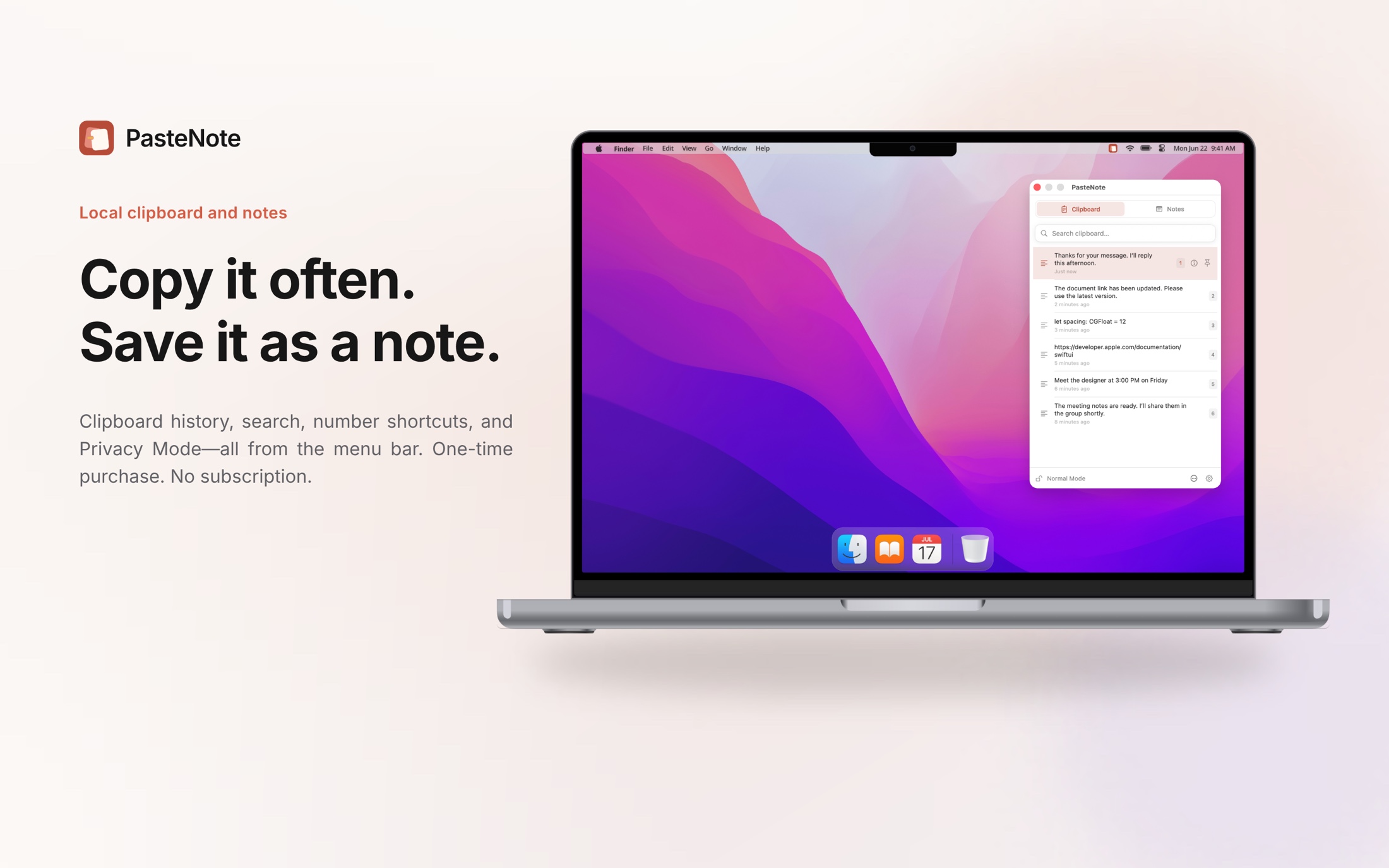
Clipboard history, Handy, Notes, and local privacy in one focused workflow.
Keep text, images, and file references searchable or pinned above your work, with reusable notes beside them.
Search your history, preview the result, and copy it again without leaving what you are doing.
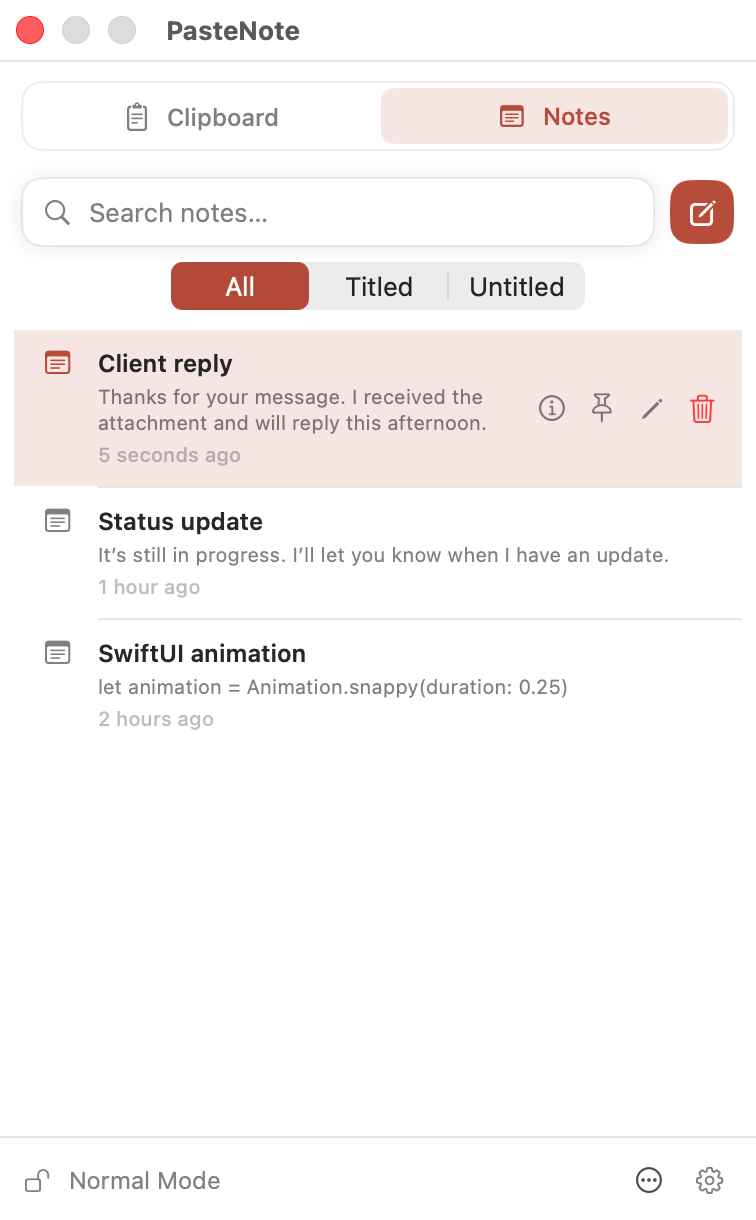
Save replies, code snippets, addresses, and ideas. Search, edit, copy, or pin any note from the same compact panel.
Pin any clipboard item—an image, code snippet, or file reference—in its own floating window above your work. Resize it, adjust its opacity, or copy it again.
Collect the temporary snippets you need now without turning every one of them into a permanent note.
Send any history item to Hand and keep the side panel beside your work.
Frequently reused text can return as a local suggestion. Only you decide what becomes a Note.
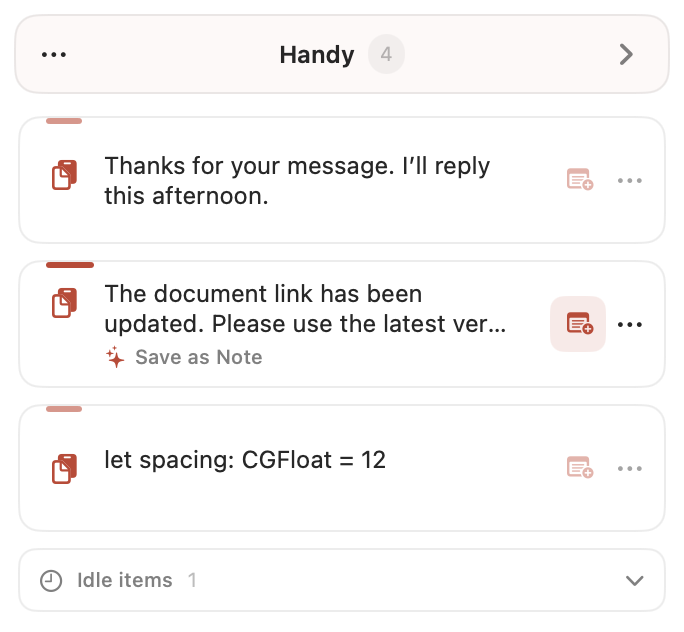
Remove temporary Handy items together when you are finished; Notes remain untouched.
Clipboard history, Handy items, notes, and reuse evidence stay on your Mac. There are no accounts, ads, analytics, cloud sync, or AI services.
Read the privacy policy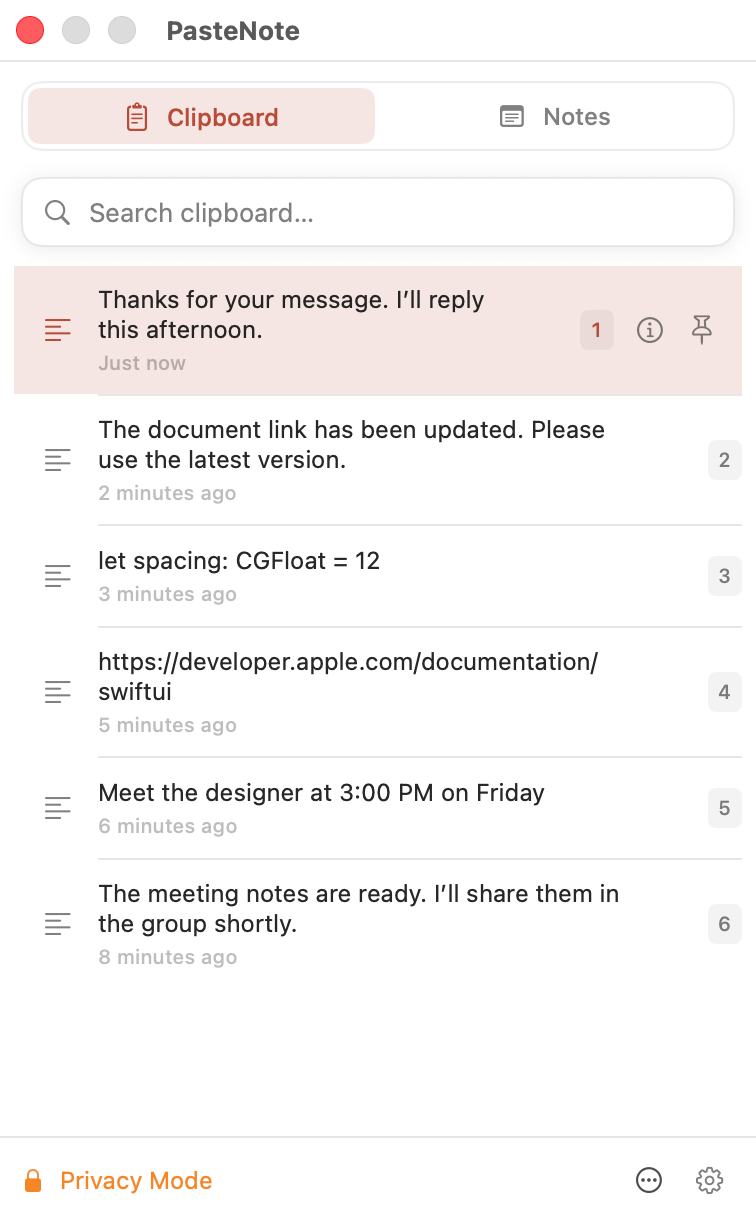
The essentials about storage, privacy, compatibility, and purchasing.
You can save clipboard text, images, file references, temporary Handy items, and Notes. You choose which clipboard types are enabled in Settings.
No. Clipboard history, Handy items, notes, images, preferences, and reuse evidence are stored locally on your Mac.
New clipboard changes are discarded and reuse suggestions pause while Privacy Mode is active. Nothing is imported after monitoring resumes.
No. PasteNote is a one-time Mac App Store purchase with no in-app purchases.
PasteNote requires macOS 15.5 or later.
PasteNote 1.0 with Handy is available now in 148 App Store storefronts. EU availability will follow completion of DSA trader verification.